AI & Automation in CS
Nobody Has an AI Plan for CS Yet. Here's Where I'd Start.
 Nina Wilkinson
 Linnea Olson
Most CS orgs are over-tooled and under-integrated. You're paying for tools nobody uses, that don't integrate with your source of truth, and that can't connect to retention or revenue. This pillar walks through the 4-question audit framework, the keep/kill/add hierarchy, and what we're recommending CS leaders add and cut in 2026, including the AI-assisted workflows that cut CSM admin time by 30 to 40 percent. Plus how to make the case internally without losing the budget fight.
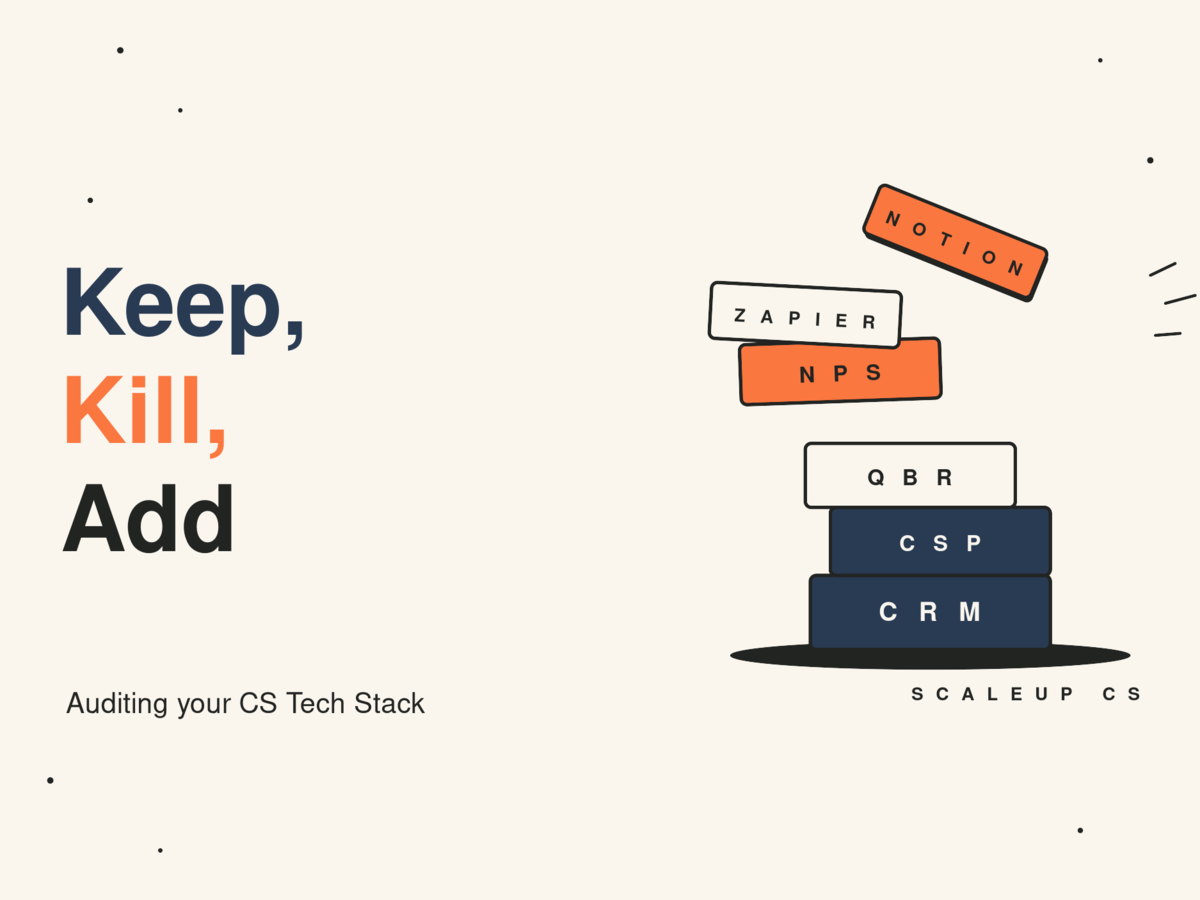
Most CS orgs are over-tooled and under-integrated.
You've got a CSP for health scoring, a CRM your AEs actually own, a separate tool for QBRs, another for onboarding, maybe a homegrown Notion system your best CSM built two years ago that everyone secretly relies on. Add in whatever the last VP of CS brought in from their previous company, and you've got a stack that costs $80K+ a year and still can't answer the question: which accounts are actually at risk right now?
The problem isn't the tools. It's that nobody audited the stack with an honest framework one that separates "we use this" from "this is working."
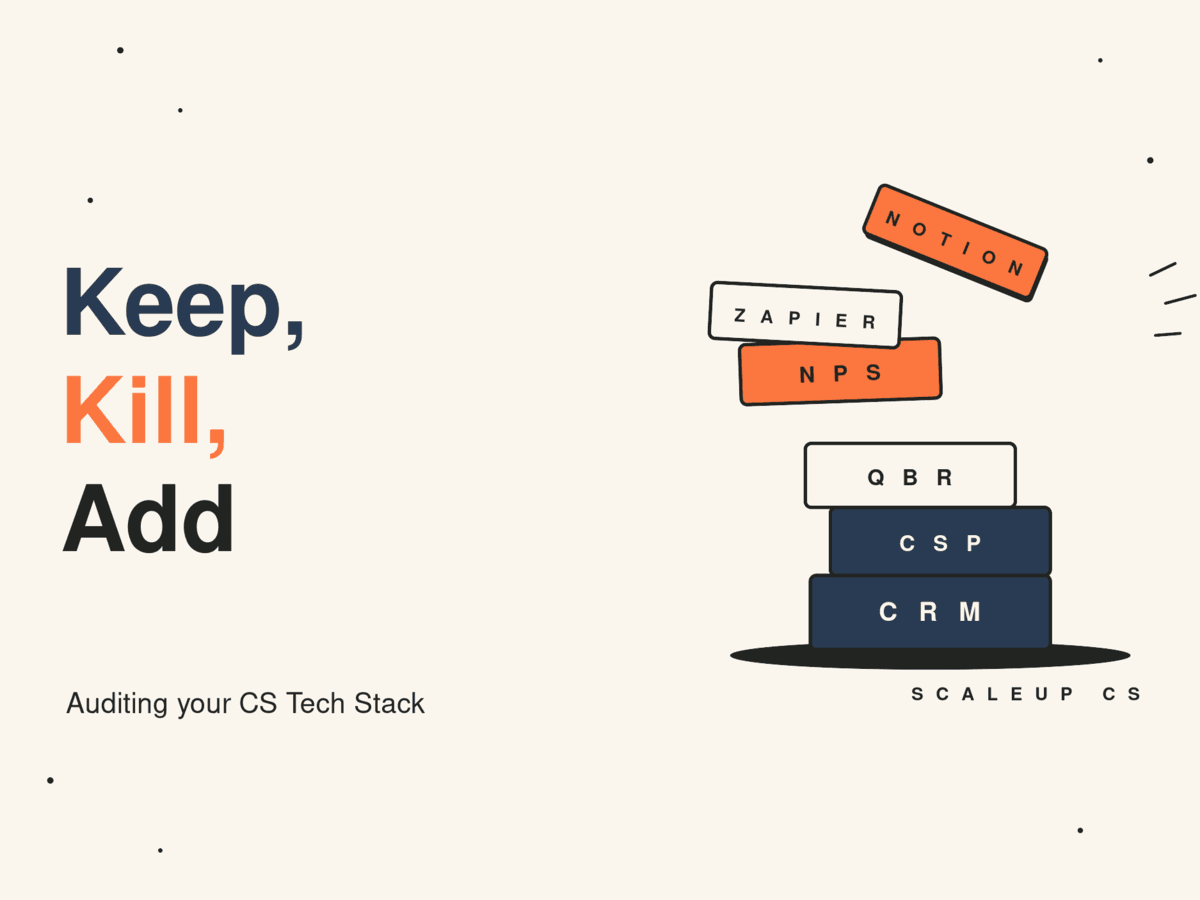
Let’s walk through how to assess every tool in your current CS tech stack, how to make a clean keep/kill/add decision for each one, and what we're actually recommending clients add (and cut) in 2026.
CS tech has matured fast. Tools that were best-in-class in 2022 have been leapfrogged by purpose-built platforms with native AI workflows. Meanwhile, consolidated platforms that have absorbed point solutions, and the standalone tool you're paying $800/month for might now come free with your CSP subscription.
On top of that, the economic pressure on CS has changed the calculus. If you can't draw a direct line from a tool to ARR protected or expanded, it's hard to justify at the next budget review. Your CFO is asking harder questions about your tech spend, and you should be asking them first.
The goal of a CS tech stack audit isn't to slash costs (though that often follows). It's to ensure every tool in your environment is earning its place by making your CSMs faster, your data more reliable, or your customers more successful.
Before you open a spreadsheet, get clear on the lens. For every tool in your stack, you're answering four questions:
1. Is this tool actively used? Not "do we have seats" are CSMs logging in, running workflows, and getting value from it at least weekly? Pull login data. Ask your team. Unused tools are not neutral line items; they're noise that erodes trust in the systems you actually want people to use.
2. Does this tool have a clear owner? Tools without owners degrade. If the answer is "IT manages it" or "whoever set it up originally," that's a red flag. CS tools need a CS ops owner who's responsible for data quality, adoption, and iteration.
3. Does this tool integrate with your source of truth? "Source of truth" for most CS orgs means your CRM. If a tool creates data that doesn't flow back into Salesforce, HubSpot, or wherever your account records live, it's creating a parallel universe that will drift. Integrations matter more than features.
4. Can you connect this tool to a retention or revenue outcome? This is the hardest question, but it's the one your leadership will eventually ask. Not every tool will have a clean ROI story, but you should be able to articulate how it contributes to retention, expansion, or CSM efficiency. If you can't, you probably won't be able to defend it.
List every tool your CS team touches directly or indirectly. Include:
CS platforms (Gainsight, Totango, ChurnZero, Vitally, etc.)
CRM (Salesforce, HubSpot)
Communication tools used for customer-facing comms (Outreach, Salesloft, Intercom)
QBR and business review tools
Onboarding platforms
Knowledge bases
Internal wikis and productivity tools your CSMs use to manage accounts
Any custom-built Zapier or Make workflows that have become load-bearing
Don't skip the informal stack. If your CSMs are managing accounts out of a shared Notion doc, that's a tool in your stack whether you sanctioned it or not.
Use a simple 1–3 rating for each question (1 = no, 2 = partially, 3 = yes). A tool scoring 10+ out of 12 is a keeper. 7–9 is worth a conversation. Under 7 is a kill candidate unless there's a specific strategic reason to keep it.
Once you know what you have, look at what you're missing. Most CS orgs we audit have gaps in one of three areas:
Signal aggregation: Health scores exist, but they're based on incomplete data or only updated manually. There's no system that proactively surfaces at-risk accounts before a CSM notices in a QBR.
Workflow automation: CSMs are doing manual tasks that should fire automatically renewal alerts, onboarding milestone follow-ups, EBR scheduling. The tools exist to automate these, but nobody's built the workflows.
Customer-facing transparency: Customers don't have visibility into their own progress or health. The relationship is asymmetric, and that creates a dynamic where the CSM is always playing catch-up.
This is where the framework pays off. For each tool, you now have a score and a gap map. Your decisions should follow a hierarchy:
Keep anything scoring 10+ that addresses a real gap
Kill anything scoring under 7 unless its load-bearing infrastructure and replacement would take more than one quarter
Consolidate where you have two tools doing the same job (you almost certainly do check your onboarding and QBR tooling especially)
Add only after you've cut adding tools to a bloated stack doesn't fix the problem, it compounds it
This isn't exhaustive, every stack is different, but here's what keeps coming up in audits right now.
Standalone NPS tools that don't connect to account health. If you're running Delighted or a similar point solution and the scores don't flow into your CSP or CRM, you're collecting data you can't act on. Most CS platforms now have native CSAT/NPS functionality. Consolidate.
Manual QBR decks. If your CSMs are still building QBR decks by hand from CRM screenshots and CSV exports, that's hours per account per quarter. There are now good automated business review tools, and if you're on Gainsight or Vitally, you may already be paying for this capability and not using it.
Duplicate communication platforms. A lot of CS orgs inherited Outreach from Sales and also run Intercom for customer comms. Pick a lane. Fragmented communication history is one of the most common causes of blind spots in account management.
Your CSP: but hold it accountable. Whether you're on Gainsight, ChurnZero, Totango, or Vitally, your customer success platform is load-bearing infrastructure. Don't kill it in an audit. Do ask whether you're using 40% of what you're paying for and build a roadmap to close that gap over the next two quarters.
Your CRM is the source of truth. Non-negotiable. Every tool in your stack should write back to it.
Any automation that's running and working. Don't fix what isn't broken. If you've got a working renewal alert workflow in Zapier that your team relies on, document it, give it an owner, and leave it alone until you can replace it with something more robust.
1. A churn signal aggregation layer: if your health scores are based on 2–3 signals and updated weekly at best, you have a blind spot problem. The priority add for most orgs in 2026 is a way to combine product usage data, support ticket volume, engagement signals, and sentiment into a single score that updates in near real-time. This doesn't require a new platform it often requires better integrations with tools you already have.
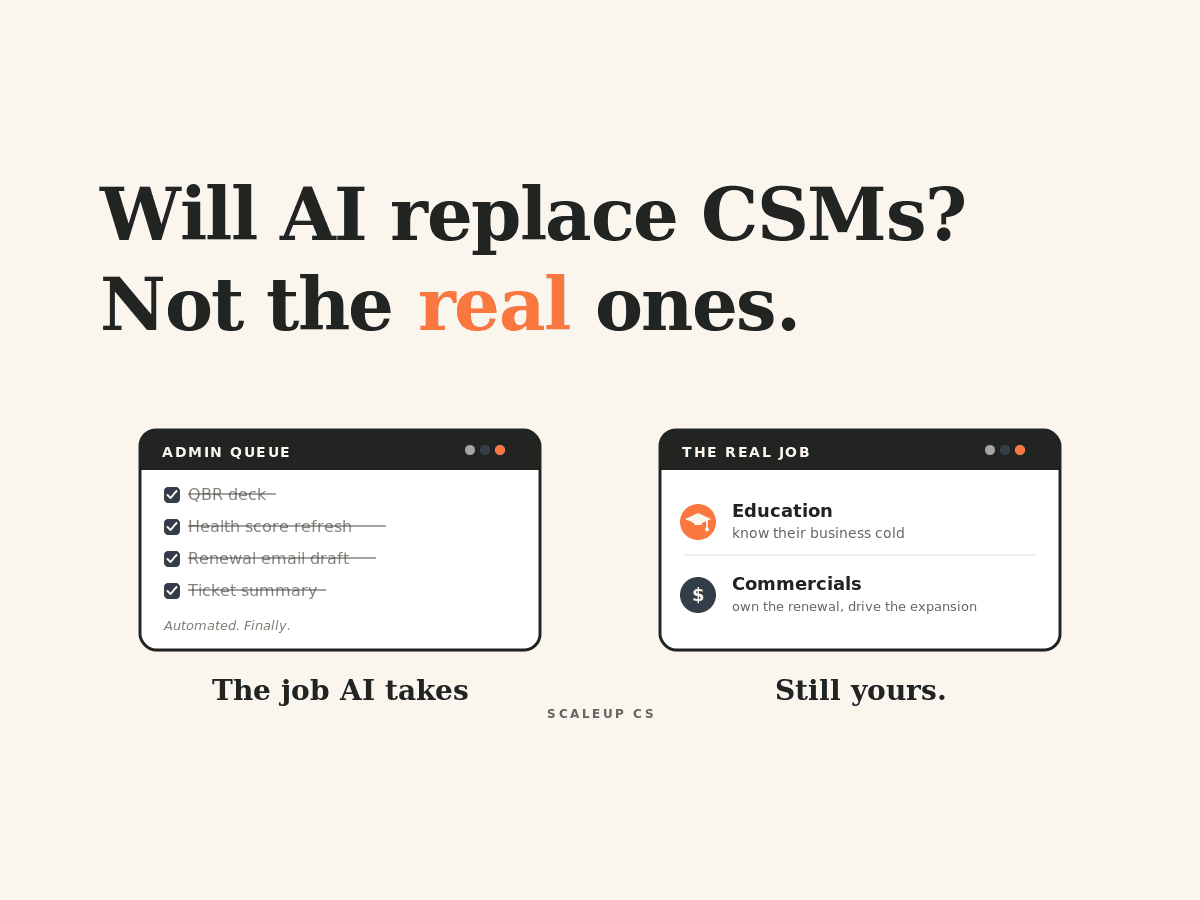
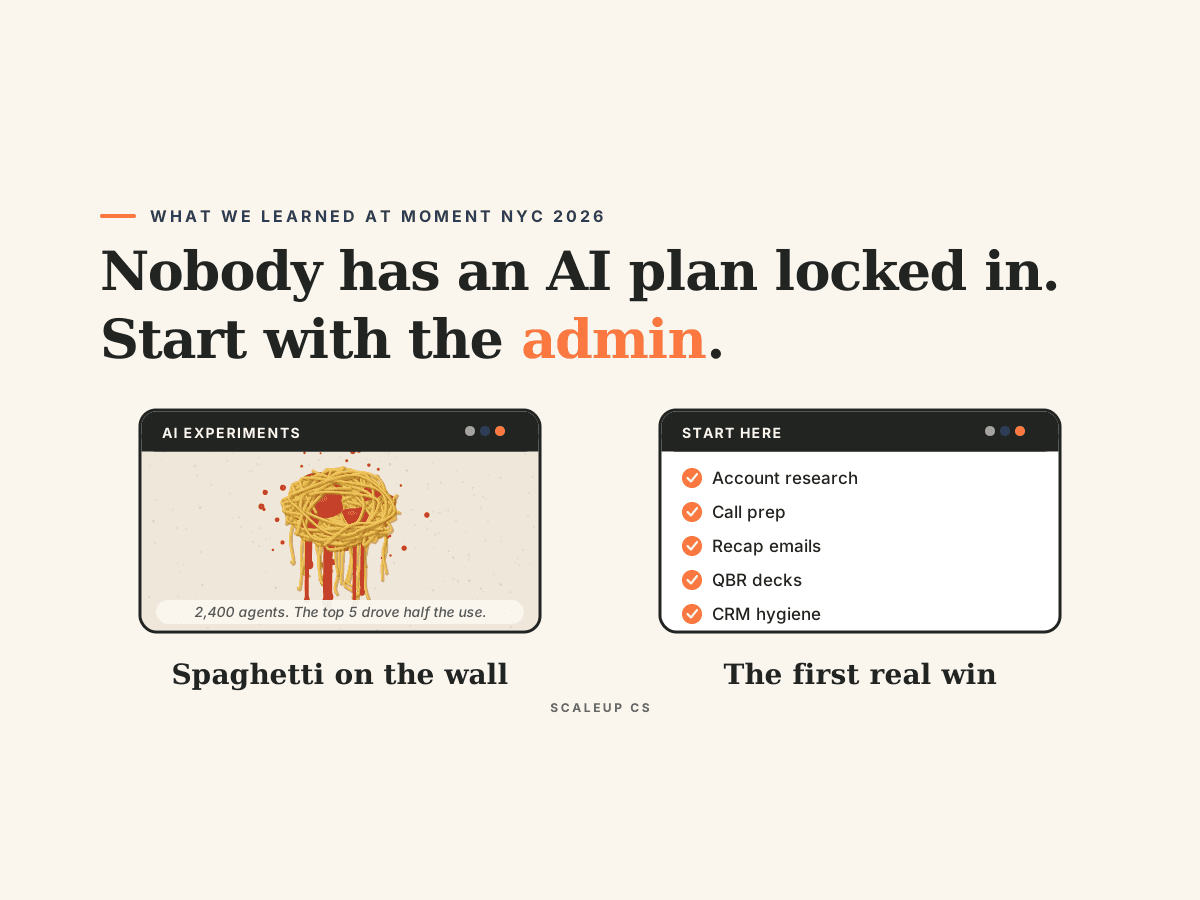
2. AI-assisted CSM workflow tooling: the category has matured enough that there are now legitimate tools that reduce CSM admin time by 30–40%. Specifically: automated call summaries that post to your CRM, AI-drafted follow-up emails, and next-best-action prompts based on account health. If your CSMs are still spending significant time on post-call admin, this is the highest-leverage add available right now.
3. A shared customer success plan layer: tools like Vitally's Success Plans or similar give customers visibility into their own goals, milestones, and health. This shifts the renewal conversation from "here's what we did" to "here's what we agreed to do together." It's an underrated structural change that pays dividends in EBRs and renewal risk.
The hardest part of a tech stack audit isn't the analysis, it's getting sign-off to kill tools and add new ones.
A few things that help:
Lead with CSM time, not tool cost. CFOs care about headcount efficiency. If you can show that a tool saves each CSM 3 hours per week, that's the equivalent of 0.5 FTE at scale. That's a real number that moves budget conversations.
Don't present kill decisions in isolation. Every "kill" should come with a plan for what happens to the workflow that tool was supporting. "We're cutting Delighted" lands better as "We're cutting Delighted and moving NPS into Gainsight, which already has the feature — net saving of $X/year and one fewer integration to maintain."
Run a 90-day pilot on any "add." New tools need adoption plans and success criteria before they get a line in your annual budget. Propose a quarterly pilot with specific adoption and outcome metrics. It's easier to get approval for a pilot than a 12-month contract.
The best CS orgs we work with don't run a tech stack audit once. They build it into their operational calendar, a lightweight quarterly check on tool adoption and data quality, and a deeper annual review that syncs with budget planning.
Your stack will drift. New tools will get added without proper evaluation. Integrations will break. Ownership will change as your team grows.
The answer isn't a perfect stack, it's a consistent process for keeping your stack honest.
Build the framework, run the audit, and treat your tools the same way you treat your playbooks: review them on a cadence, hold them accountable to outcomes, and cut what isn't earning its place.
ScaleUp CS works with growth-stage SaaS companies to build the operational infrastructure that makes CS scalable. If you want a structured walkthrough of your CS tech stack, get in touch.