CS Leadership & Team Building
AI & Automation in CSCS Operations
Sure, Everyone Wants AI Right Now. But Are You Really Ready For It?
September 15, 2026·5 min read
 Linnea Olson
Every CS leader is stuck between an exec who wants AI agents live by next quarter and a CSM handed a new platform with zero training. This piece argues an MCP (Model Context Protocol server) is a pipe, not a strategy: it moves data faster but won't fix data nobody trusts or teach your team to use the time it buys back. Covers the data-readiness questions to ask before connecting an MCP, how to train CSMs to use AI well, and 4 Vitally-MCP workflows worth automating first.
Every CS leader I talk to right now is living somewhere in the same chaotic middle. On one end, there's an exec who saw a flashy AI demo and wants automated renewal risk agents running by next quarter. On the other, there's a tired CSM who just had another platform dropped on their desk with zero training and a vague mandate to "use AI more." We are excited, under pressure, and constantly racing to keep up, often forgetting that behind every metric, pipeline, and tech stack, there are real people trying to build meaningful relationships.
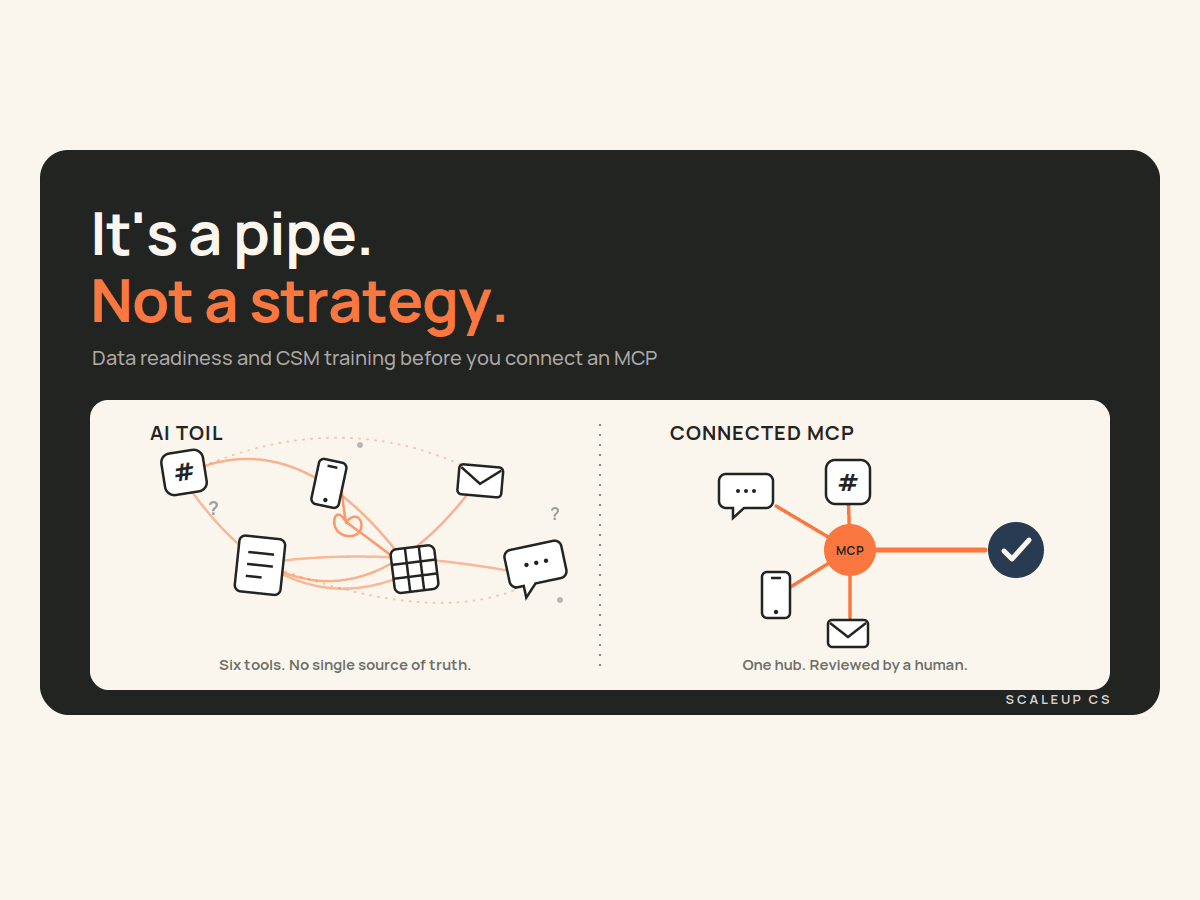
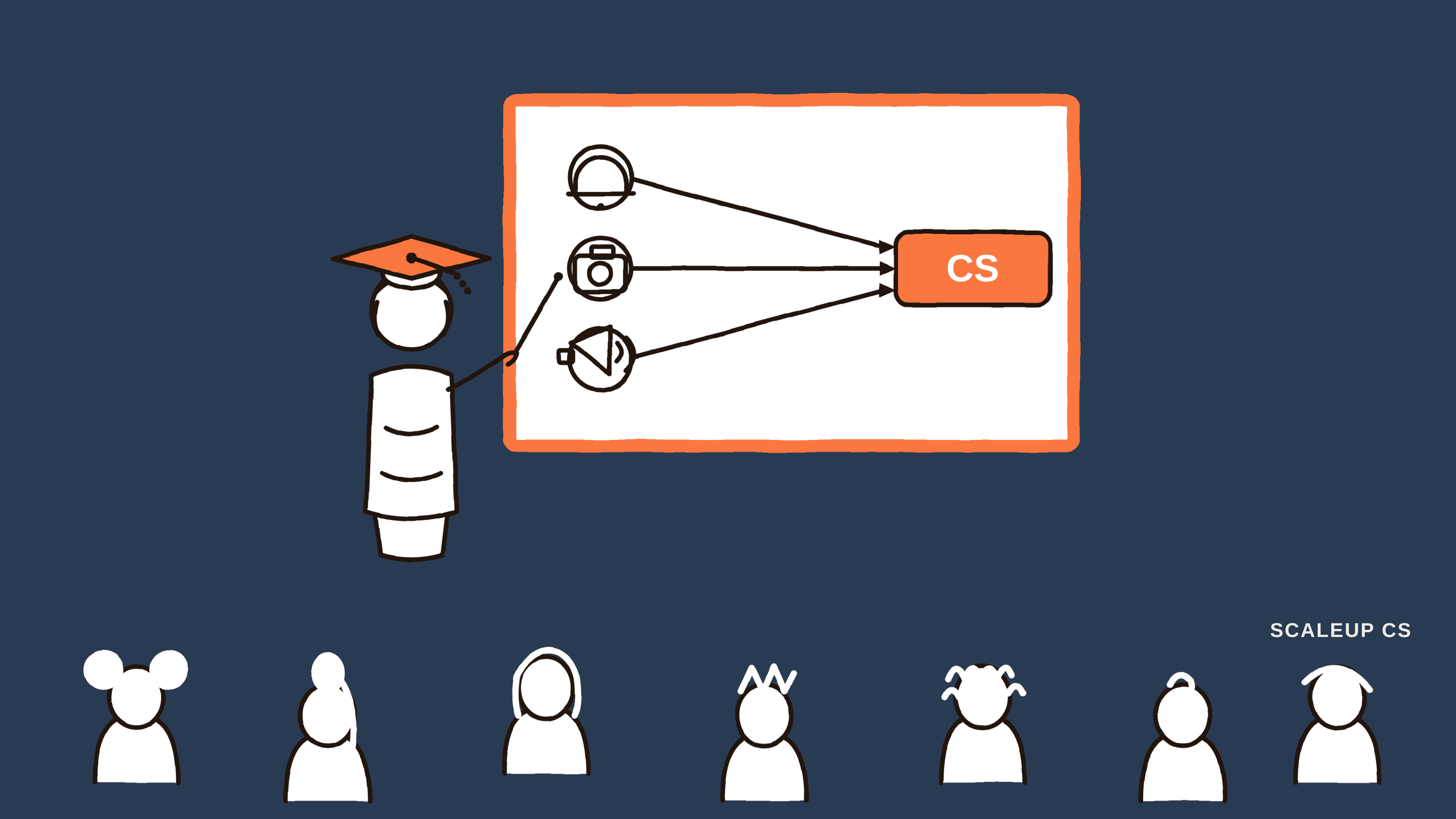
Here's the truth about MCPs (Model Context Protocol servers): these connectors let an AI assistant reach into your CS tools, like Vitally, Gainsight, Salesforce, or Zendesk, to pull real customer data. That utility is real, not hype. But an MCP is a pipe, not a strategy. It moves data faster, but it won't fix untrustworthy data, nor will it teach your team how to serve customers better. AI shouldn't just be an efficiency engine; it should be a tool that frees up your team to be more human. Readiness comes down to two unglamorous things people skip on the way to "turning it on": whether your data can genuinely support the use case, and whether your team actually knows how to use AI to buy back time for real connection.
Data access: an MCP is only as good as what it can see
The appeal of an MCP is obvious: plug it in, and suddenly an AI assistant can query your customer health scores, pull account notes, or summarize a renewal conversation on demand. But "the AI can technically reach the data" and "the AI can use the data well" are two different bars, and most CS orgs haven't cleared the second one yet.
Before you connect anything, get specific about what you're actually trying to do. "Use AI to help with QBRs" is not a use case, it's a wish. "Pull the last quarter's usage trend, open support tickets, and health score trajectory into a QBR draft" is a use case, and it tells you exactly what data has to exist, where it has to live, and how clean it needs to be for the output to be worth anything.
That's where most teams find the gap. A few questions worth running through before you plug in an MCP:
Is the data actually in the system, or is it in someone's head? If your CSMs are tracking champion changes or renewal risk in a personal spreadsheet or their memory, an MCP connected to Vitally isn't going to surface it, because it isn't there.
Is it structured enough to be usable, not just stored? A free-text notes field where every CSM writes differently is technically "data," but it's a much worse input than a standardized field, a formula trait, or a tagged conversation. If you want AI to reliably reason over health scores or retention risk, that logic needs to live somewhere consistent, not reconstructed by the model guessing every time. When we built out revenue retention tracking in Vitally for a client, the unlock wasn't a fancier dashboard: it was formalizing a Retention Goal $ formula trait that rolled up cleanly to CSM-level views, so the number meant the same thing everywhere it appeared. That kind of structural work is exactly what makes an MCP query trustworthy instead of a coin flip.
Who owns keeping it accurate? MCPs don't fix stale data, they just retrieve it faster. If nobody's accountable for updating segment, ARR, or renewal date fields, you've built a very fast pipe to bad information.
What's the blast radius if it's wrong? Pulling data to draft an internal summary is low risk. Letting an agent auto-populate a customer-facing health score or trigger an outbound email is a different risk tier entirely, and your data hygiene bar should match the stakes.
None of this means you need a perfect data model before you touch an MCP. It means you plan backward from a specific use case, audit whether the data behind it's actually field-level, consistent, and owned by someone, and only then decide what to connect. "Yay, an MCP" is a starting point, not a finish line.
Training your team: smart AI use beats flashy AI use
The second gap is quieter but just as costly: teams get access to AI tools with no real guidance on how to use them well, so usage skews toward whatever's most visible instead of what's most valuable. I've said this to my own team more than once: don't blow through your token budget generating gifs and novelty outputs when that same effort could be helping an actual customer. AI adoption that looks impressive in a Slack channel isn't the same thing as AI adoption that reduces anyone's workload.
Good training here isn't a one-hour "here's how ChatGPT works" session. It's specific to the job. For a CSM using AI day to day, that means:
Anchor every use case to a task they already own. Renewal prep, QBR drafting, health score investigation, and ticket summarization (start with the workflows that already eat their time, not with "explore and see what you find"). Exploration without a target is how token budgets disappear on low-value output.
Teach them what "good enough to trust" looks like. An AI-drafted account summary should be reviewed, not rubber-stamped. Train CSMs to spot when an output is missing context, over-confident, or pulling from stale data; that's a data-quality signal worth feeding back, not just a one-off correction.
Give them a short list of "start here" prompts or workflows, built around your actual tools, so the first experience is a win instead of a blank-page struggle.
Make the goal explicit: time back, not activity. If a CSM spends 30 minutes getting AI to draft something that would've taken 20 minutes to write manually, that's not a win, no matter how novel it felt.
If your team is on Vitally and you've got the Vitally MCP connected, there's a concrete way to put this into practice. Point it at the workflows that are pure toil today:
Pre-call prep, automated. Instead of a CSM manually pulling health score trends, open goals, recent conversations, and support ticket volume before every call, let AI assemble that briefing from Vitally through the MCP. That's 15 minutes back per meeting, and it's a low-risk use case because a human still reviews it before the call.
Health score investigation. When a score drops, have AI pull the contributing traits and recent activity and propose a first-pass explanation for the CSM to validate, turning "spend 20 minutes digging" into "spend two minutes confirming."
QBR and renewal drafts. Feed usage trends, goal progress, and NPS or sentiment data through the MCP into a first draft, so the CSM's time goes into judgment and narrative, not data assembly.
Playbook and task hygiene. Use it to flag playbooks or CSA tasks that are stalled or overdue across a book of business, so CSMs are managing by exception instead of scanning every account.
Every single one of these workflows works because it targets a bounded, repetitive task while keeping a human firmly in the loop. That's the core difference: AI should reduce administrative toil so CSMs can bring more empathy, presence, and focus to their accounts, not just add another system to babysit.
Readiness is a plan, not a feeling
None of this is an argument against moving fast on AI in CS, it's an argument for moving with intention. Get honest about whether your data infrastructure can support your goals, clean up what's broken, and connect your tools with a clear purpose. Most importantly, remember that technology exists to serve human relationships, not the other way around.
Everyone wants AI right now. But the teams who actually win won't be the ones chasing flashy demos or pushing volume for its own sake. They'll be the ones who did the foundational work: building clean data systems, defining pragmatic use cases, and empowering their CSMs to use AI as a bridge to stronger, more human customer relationships.