Retention & Churn
Do AI-Driven Health Scores Actually Predict Churn Better?
 Nina Wilkinson

 Nina Wilkinson
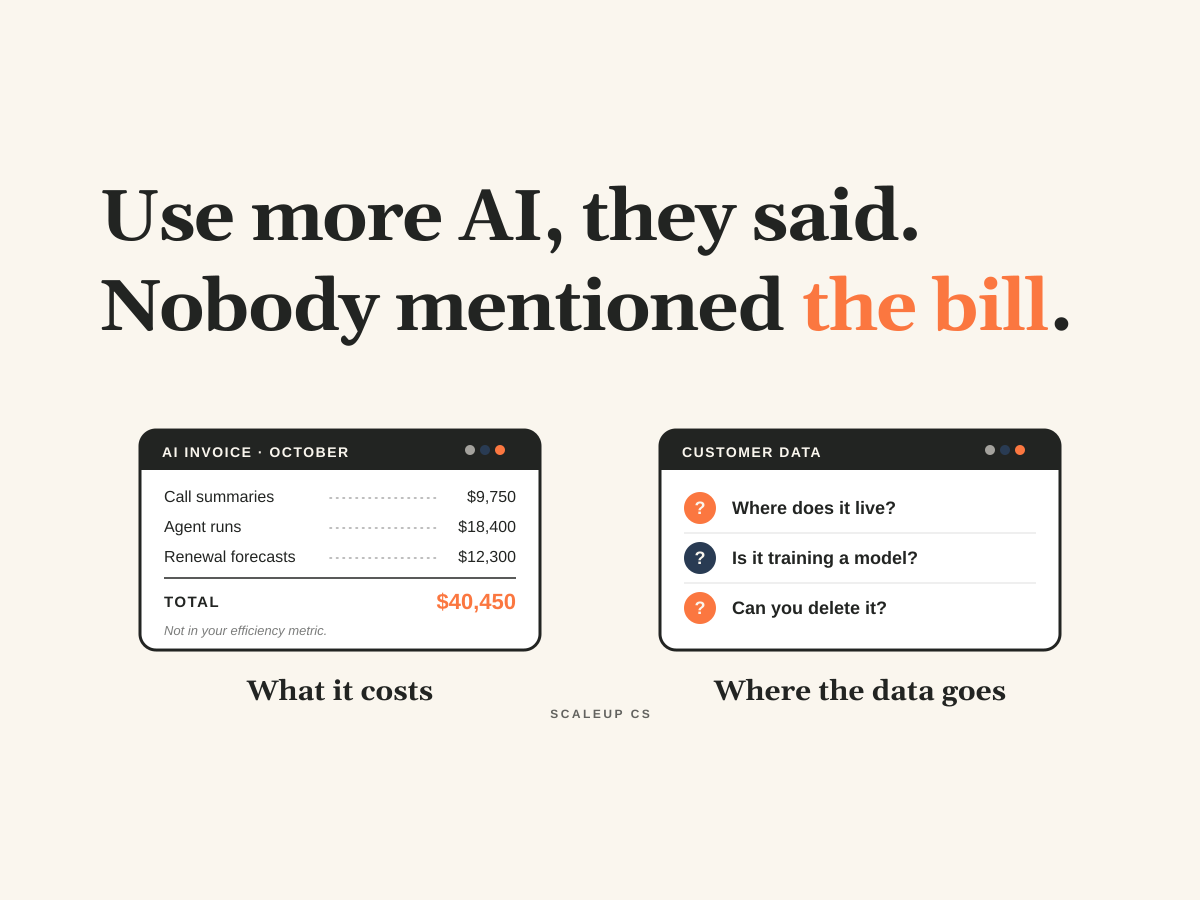
Every CS team is being told to use more AI. Almost none are being told what it costs or where customer data goes once it passes through these tools. This piece covers both blind spots: why AI spend belongs in your CS efficiency metric, what to ask about data retention, model training, and GDPR deletion, and the five guardrails we use with clients to move fast without the bill, or the breach, catching up later.
Every CS team I talk to right now has the same mandate from above: use more AI. Put it in your workflows, put it in your QBR prep, put it in your health scores, and show the board you're doing it. What almost nobody gets alongside that mandate is an answer to two questions. What is this going to cost us? And where does our customers' data go once it passes through these tools?
The conversation has moved past "should we use AI." Every team is using it. The real question now is how you control it, and most teams haven't started asking. That's what AI governance in customer success comes down to: guardrails that let you keep your speed without getting blindsided later.
During September's webinar on the CSM role rewrite, Linnea and I polled the CS and revenue leaders in the room, and one number stood out for this conversation: 83% said they already customize AI tools with their own company's sales or product content, and do it regularly. Adoption isn't the open question anymore.
It lines up with what the Customer Success Collective found in their recent piece on AI governance in customer success: 95% of CS teams already use AI, but only 29.3% have formal governance around it. Another 41.3% have no governance or QA process at all.
Put those together. Adoption is already happening. Structure around it is almost nonexistent. That's the exact profile of a team that's about to get surprised by a bill, a customer security questionnaire, or a GDPR deletion request it can't fulfill.
I watched this play out firsthand. One of the largest tech companies in the world hosted an AI week for its entire product org. Every project was put aside and every deadline was pushed out two weeks so that every single person could learn how to fold more AI into their day to day. On paper, it was a great idea. Everyone came out of it more fluent.
What nobody accounted for was the raw cost. The next month, their AI bill came in at $500M. Less than a quarter later, that overrun contributed to more than 8,000 job cuts.
That's an extreme example, but the mechanism is the same at a 40 person startup. AI usage feels free at the individual level. One more prompt, one more agent run, one more summary of a 90 minute call. Nobody sees the meter running, so nobody manages it. Multiply that across a whole team using AI every day, and you've got a line item that grows faster than anyone forecast, with no owner.
The fix isn't to slow down. It's to treat AI spend like any other variable cost:
Give it an owner and a budget. Someone on the team (usually CS Ops) owns AI spend the same way someone owns your tech stack renewals. Set a monthly budget by team, not just one company wide number.
Make usage visible. If CSMs can't see what their workflows cost, they can't make tradeoffs. A simple monthly report by workflow does more than any policy doc.
Match the model to the task. Not every job needs the most expensive model. Drafting a follow up email and analyzing 18 months of usage data for a renewal forecast are different jobs, and they should be priced differently.
Tie it to unit economics. Know roughly what AI costs you per CSM and per account managed, and track both month over month.
This is the piece almost every team misses. Most CS efficiency metrics only count people: ARR per CSM, accounts per CSM, cost to serve as a percentage of ARR. AI spend sits in a separate software line, so it never shows up in the number your board actually reviews. That's how a team can report record efficiency while its true cost to serve goes up.
If AI is part of how a CSM does the job, it's part of what that CSM costs. Here's a simple example. A CSM with a fully loaded cost of $150K manages a $3M book. That's a 5% cost to serve. Add $2K a month in AI usage for that CSM and their real cost is $174K, which puts you at 5.8%. If the AI lets that same CSM confidently manage a $4M book, you're down to about 4.4%, and the spend paid for itself. If their book stays at $3M, your efficiency just got worse, even though everyone feels more productive.
So run the math both ways:
Cost per CSM: fully loaded comp plus their AI usage. This is the number you compare against ARR or accounts managed.
Cost per account: total CS cost, AI included, divided by accounts. Watch this one closely in your tech touch and pooled segments, where AI does the most work and costs can scale with account volume instead of headcount.
The leverage test: AI cost per CSM should only go up when book size per CSM, retention, or expansion goes up with it. If cost climbs and those numbers stay flat, the AI isn't creating leverage. It's creating spend.
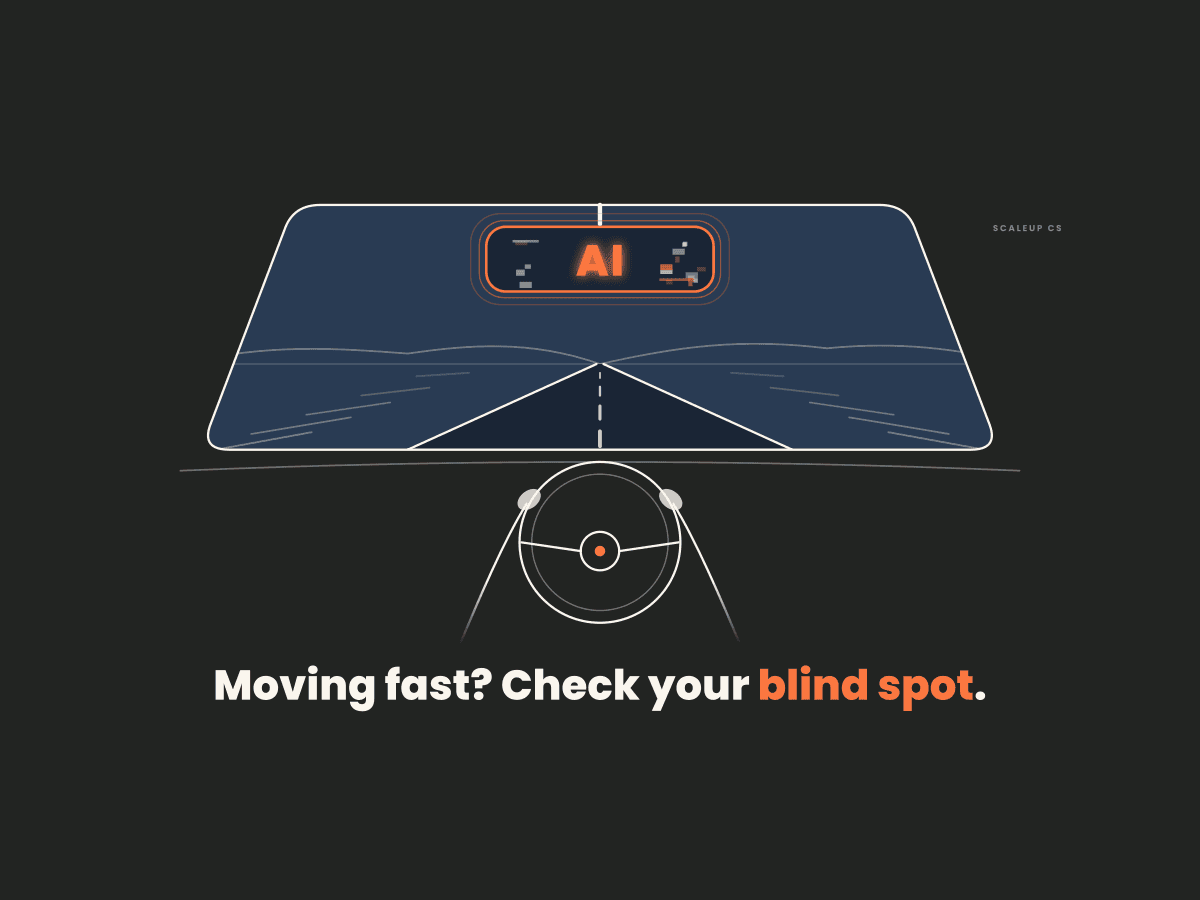
The second blind spot is quieter and more dangerous. Yes, AI can support our workflows and surface real time customer insights. That's the whole promise. But every one of those insights starts with customer data going somewhere: call transcripts, support tickets, usage data, contract terms, the names and emails of the people you work with every day.
So where does that data live once it passes through an AI's servers? Who actually owns it at that point? Is it being retained? Is it being used to train a model? And when a customer in the EU exercises their right to erasure under GDPR, can you delete their data everywhere it went, including the AI tools your team fed it into? The default window to respond to that request is one month. Most CS teams couldn't tell you in a month where the data even went.
Those questions all need answers before your customers start asking them. And they're already asking. Security questionnaires routinely include AI sections now, and "we're figuring it out" isn't an answer that survives procurement.
Here's where I'd start:
Map the data flow. For every AI tool in use (the approved ones and the ones people are quietly using on their own), write down what customer data goes in, where it's stored, and for how long.
Read the vendor terms. Specifically: does the vendor train on your data, what's the retention window, who are their sub processors, and do you have a signed DPA. If you can't answer those four, you don't know where your data is.
Tier your data. Not all data carries the same risk. Your own product and sales content, which 83% of teams are already feeding into AI, is the easy part. It's yours. Customer PII, contract terms, and anything regulated belong in a different tier with tighter rules on which tools can touch them.
Build the deletion path now. Know exactly how you'd purge a single customer's data from every system, AI tools included, before the first request lands.
The pushback I hear is that governance kills momentum. It doesn't have to. Bad governance kills momentum: a 40 page policy nobody reads, or a blanket ban that pushes everyone onto personal accounts where you have zero visibility. Good governance is what lets a team move fast without stopping to ask permission every time.
This is the playbook we're using with our clients:
Inventory first. You can't govern what you can't see. List every AI tool and workflow in use, formal and informal.
Define a simple data traffic light. Green data can go into any approved tool. Yellow needs an approved tool with a signed DPA. Red never goes into an AI tool without explicit sign off. One page, not 40.
Set escalation rules for anything customer facing. AI can draft the renewal risk summary. A human reviews it before it touches a customer, a forecast, or a pricing conversation. Decide in advance where those human checkpoints sit.
Budget for it like headcount. Because at scale, it costs like headcount.
Give it one owner. Not a committee. One person who's accountable for spend, data, and the rules, and who revisits them every quarter.
That last point connects to something we wrote about a few weeks ago. Most CS teams have no written framework for how their people plan the week, and if there's no structure for how the work gets done, there's no structure for where AI fits into it. You can't govern something that lives in 20 different people's heads. Here's how we'd build that operating rhythm first, so the guardrails have something to attach to.
Every team is being told to use more AI. Very few are being told what it'll cost or who owns the data once it leaves their systems. Those aren't reasons to slow down. They're the two questions you answer so you can speed up without the bill, or the breach, catching up with you later. Mechanics, not magic.
If you missed the session, watch the full webinar replay here.